
Inputs and interactivity
Filters, switches, clicks and drill-downs are all DuckDB variables: a control sets one, any query reads it with getvariable(). No callbacks, no state to wire up.
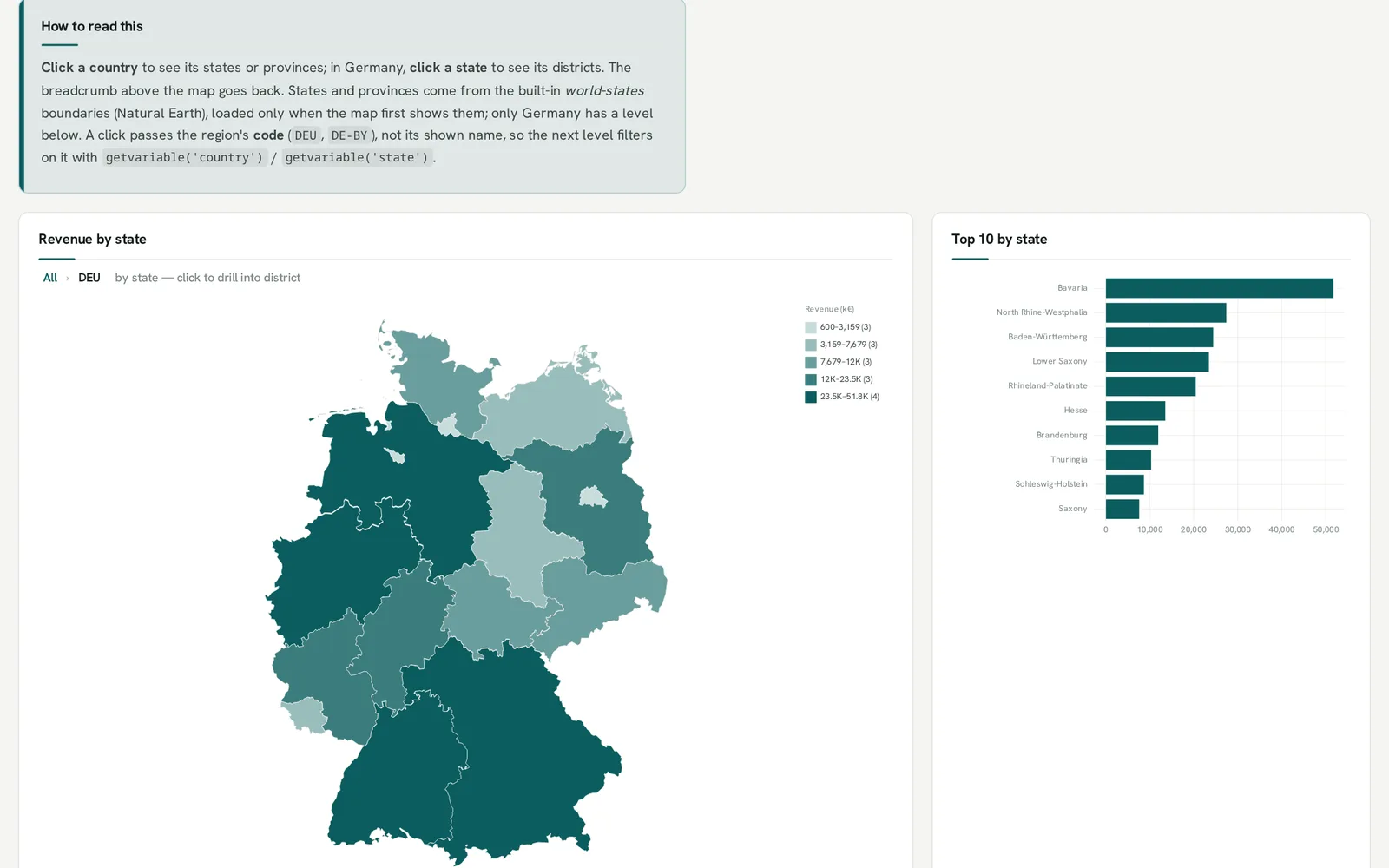
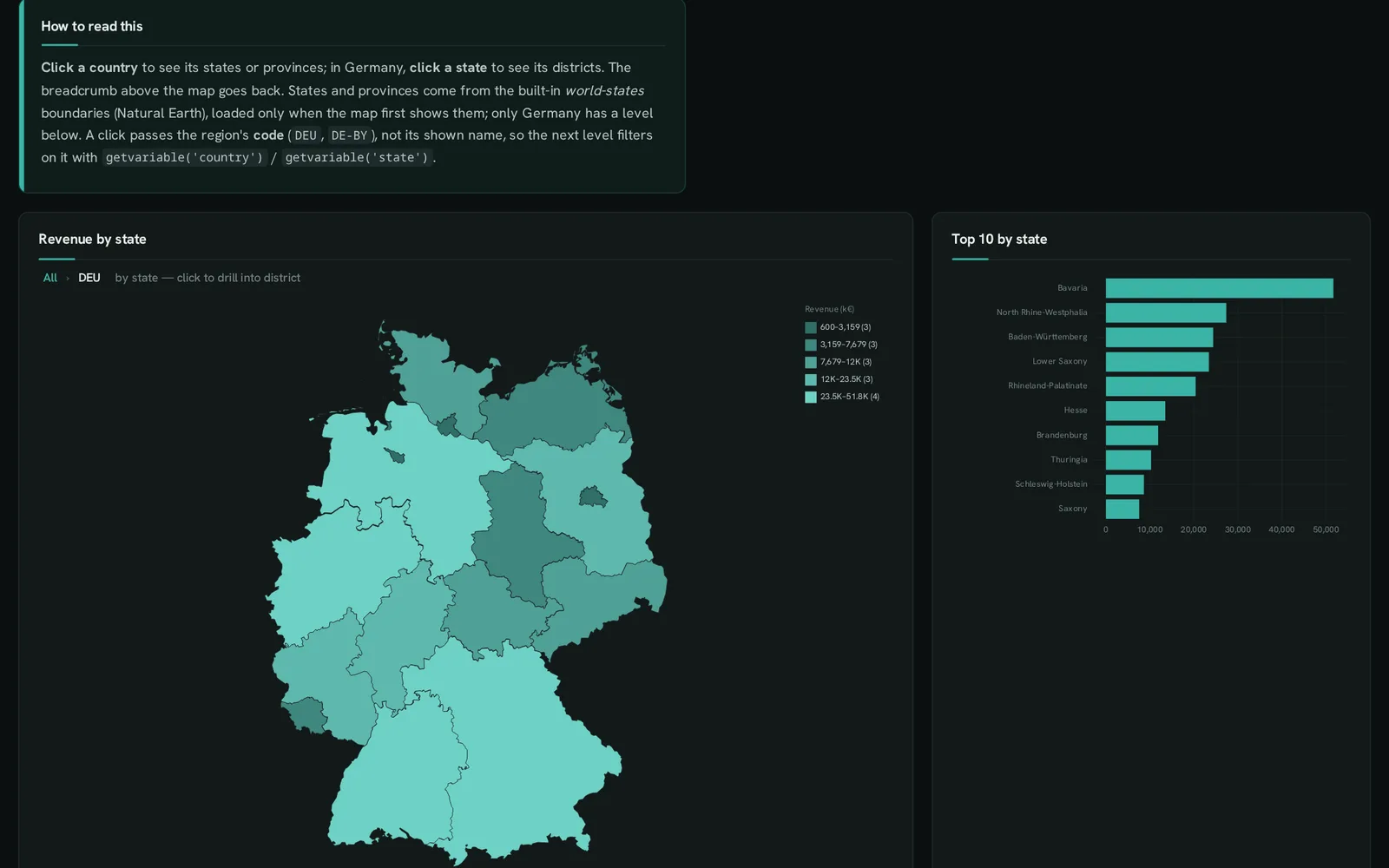
getvariable(‘country’); the map and the ranking re-query. Try it ↗Inputs are variables
Section titled “Inputs are variables”An input is a SELECT whose column carries an input role. The column name is a DuckDB variable; any statement reads it with getvariable('name'), and changing the control re-runs what depends on it.
SELECT DISTINCT channel ::DROPDOWN FROM sessions ORDER BY channel;     -- getvariable('channel')
SELECT week ::XAXIS, sum(n) ::BARCHARTFROM sessions WHERE channel = getvariable('channel') GROUP BY ALL ORDER BY week;| Role | Control | Variable |
|---|---|---|
::DROPDOWN |
a single choice from the query’s rows | the value |
::MULTISELECT |
several choices | a list: list_contains(getvariable('x'), col) |
::BUTTONS |
a segmented group, for a handful of options | the value |
::TOGGLE |
an on/off switch | a BOOLEAN |
::NUMBER, ::DATE, ::TEXT |
a number, a date, free text (the value is the default) | the value |
::DATERANGE |
two dates | <name>_from, <name>_to |
::PERIOD |
date presets, grain and comparison | <name>_from/_to/_prev_from/_prev_to/_grain/_label |
::FORM |
a form generated from rows, one per field | one per field |
A ::LABEL column captions the control, ::OPTION_LABEL shows a text per option, and ::DEFAULT marks the default row. Inputs travel in the URL (?v.channel=Web), so a link opens the same view. Where an input sits in the script is where it appears: above the tabs, or inside the tab whose panels it changes. Input reference →
Clicks
Section titled “Clicks”Every chart has tooltips and linked highlighting: click a series to highlight it across panels. Beyond that, a click can set a variable:
- Cross-filter: a click sets
getvariable('selected'); panels that read it re-query.WHERE getvariable('selected') IN ('', channel)keeps every row while nothing is clicked. - Named selections:
SELECT 'region'::SELECT_AS;before a chart makes a click setgetvariable('region')('region multi'collects a list; a brush on a continuous x setsregion_from/region_to). - Rows of a table:
SELECT 'single'::ROWSELECT;before a table makes a row click set the first column’s variable. - Drill-down:
SELECT 'country > state > city'::DRILL;before a bar chart, a::REGIONmap or a::TREEMAPdrills level by level, with a breadcrumb back. - Drill-through: a
::LINKcolumn opens another tab, a dashboard ('/d/orders?v.id={value}') or a URL.
SELECT 'region'::SELECT_AS;SELECT region ::XAXIS, sum(revenue) ::BARCHART FROM sales GROUP BY ALL ORDER BY 2 DESC;
SELECT week ::XAXIS, sum(revenue) ::LINECHARTFROM sales WHERE coalesce(getvariable('region'), '') IN ('', region) GROUP BY ALL ORDER BY 1;
Showing and hiding
Section titled “Showing and hiding”cond ::SHOW_IF shows the next panel only while the condition holds. ::VIEW groups alternative views of one panel behind a switcher. ::GUIDE_STEP builds a step-by-step sequence with Back / Next. Interactivity reference →